🎯 CS2Util Update | Pro Utilities, In-Game Uploads & 2D Match Replays
I’ve been reworking the utility pool over the past few days. You can now replay nades from pro matches in CS2 and upload your own lineups without leaving the game.
1. Pro Utilities
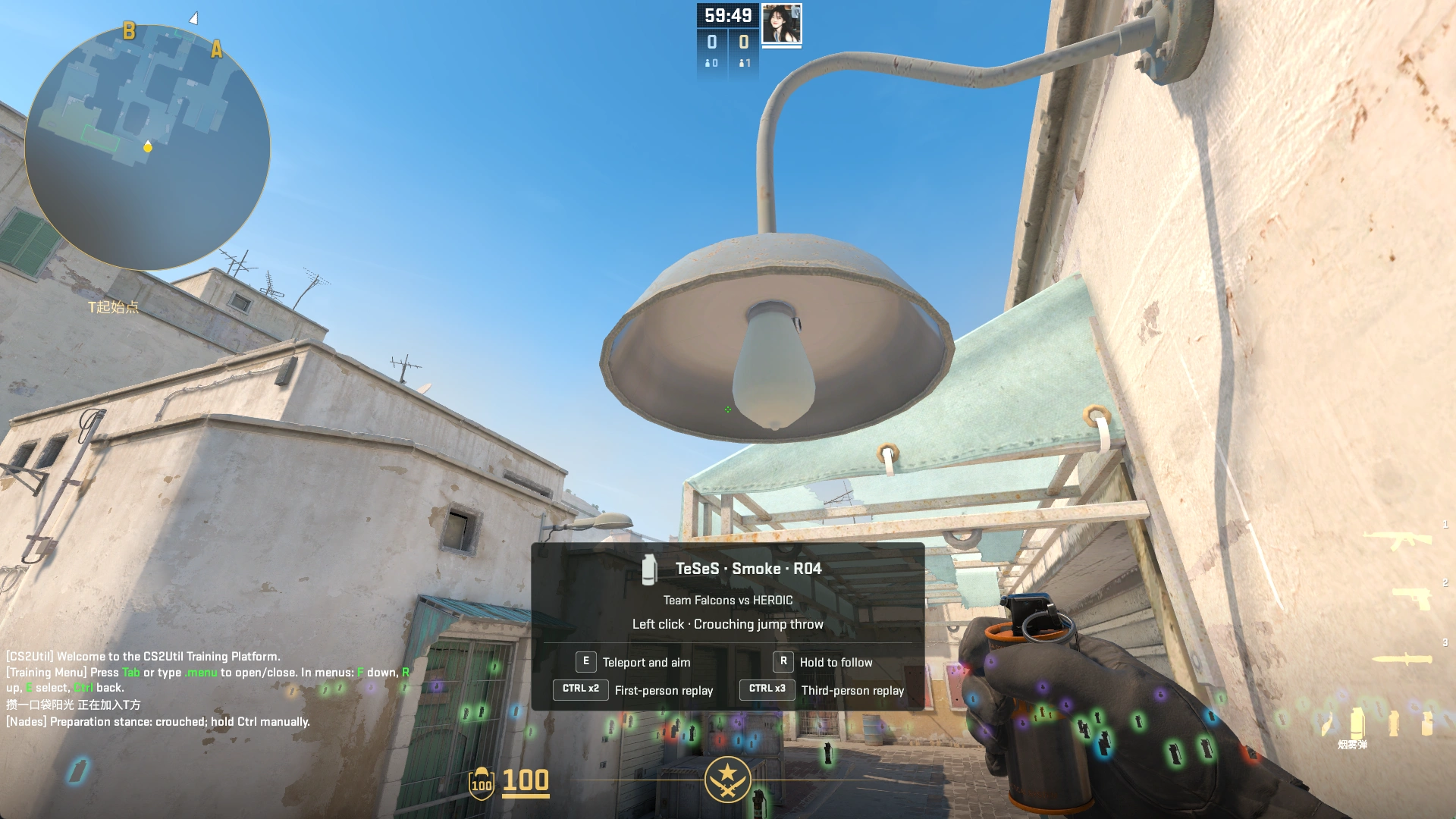
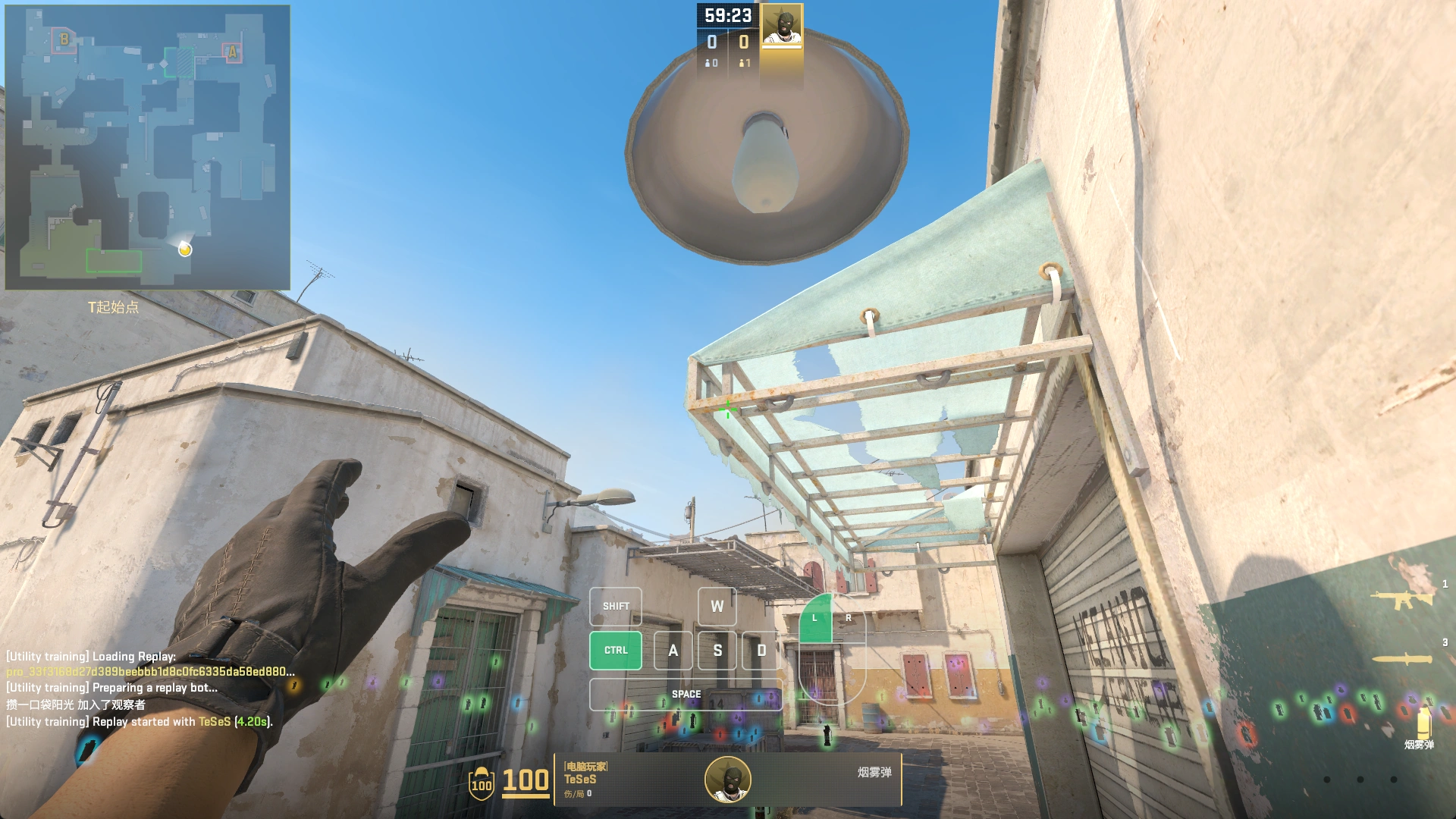
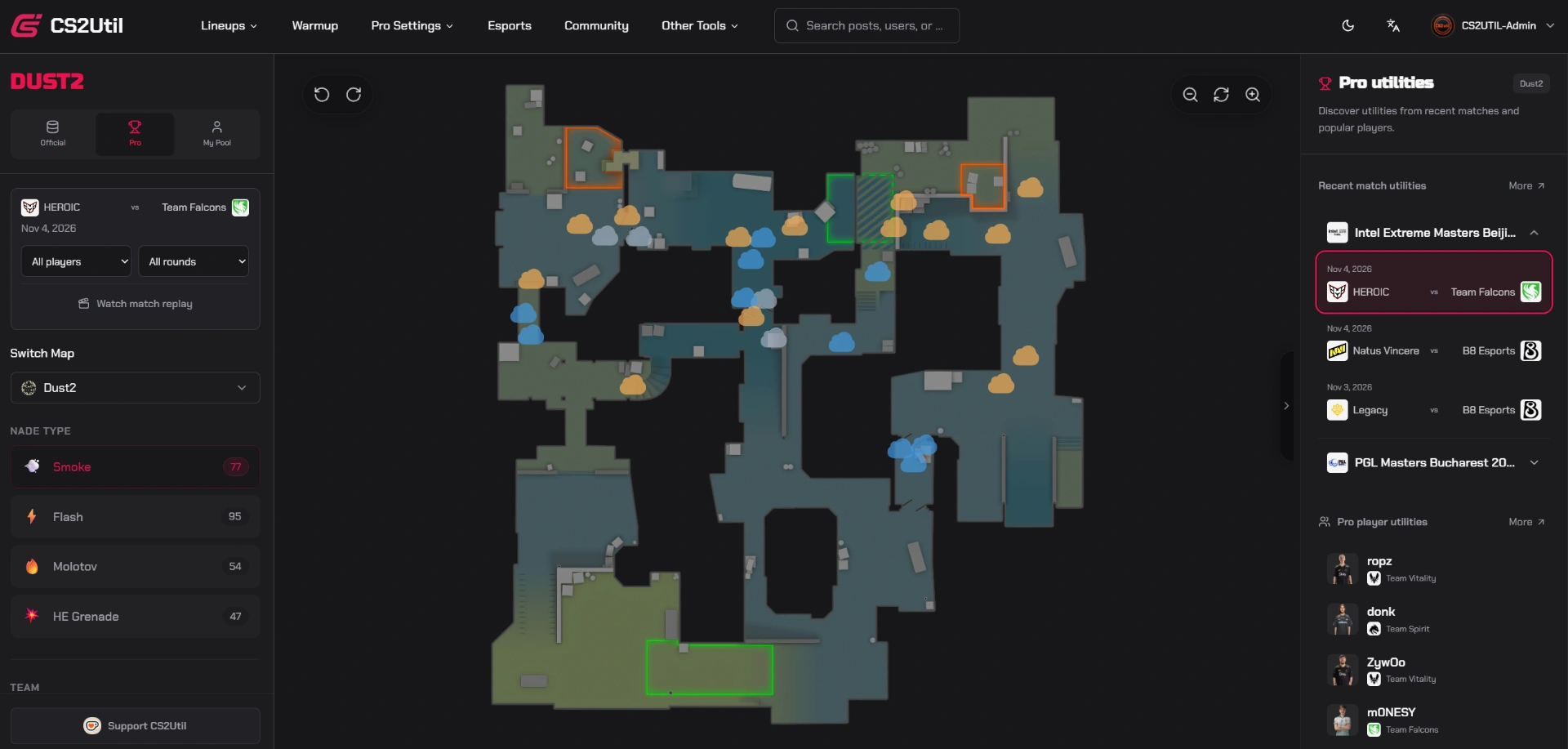
CS2Util tracks pro matches and picks out every nade once the match data is available. Launch Utility Mode from the CS2Util app to replay the original throw. You can see where the player stood, where they aimed, how they moved, and even their keyboard and mouse inputs. Type .fav in chat to save the lineup to your utility pool.
2. Pro Player Profiles There’s a new Pro Utilities tab on each player’s profile. If you want to see which smokes a player throws on Ancient, for example, you can filter their recent throws by map and nade type. You can also narrow it down to a specific match or side.
3. In-Game Uploads Throw a nade in Utility Mode and you can upload the lineup right there. The app automatically records the throw and saves the starting spot, landing spot, and throw method. If you want to add a screenshot of where to aim, a video, or a few instructions, you can do that on the website afterward.
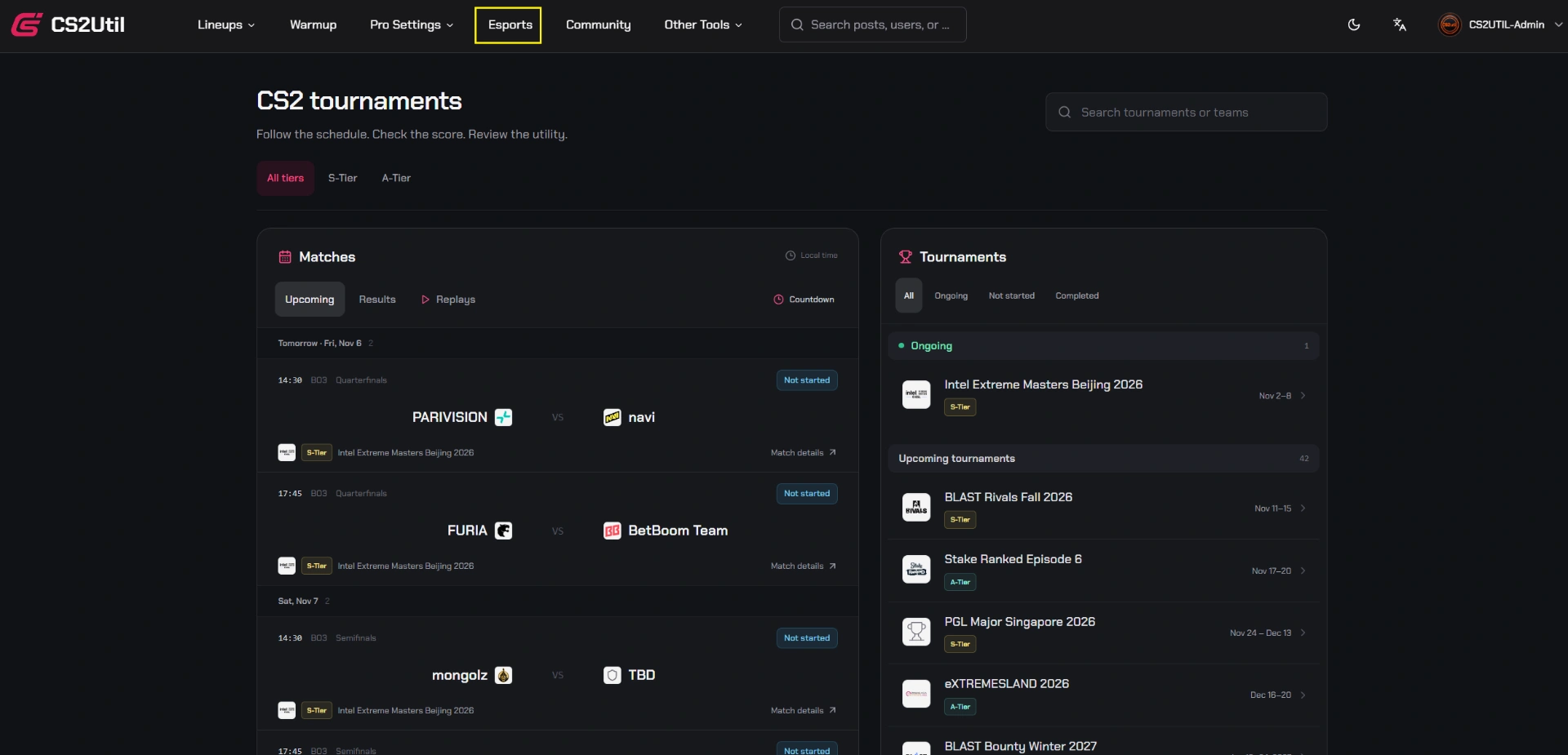
4. 2D Match Replays You can now watch pro matches round by round on a 2D map in your browser. Follow the players and the nades they throw to see, for example, where the entry fragger was when a teammate’s flash popped.